What Logitech actually changed
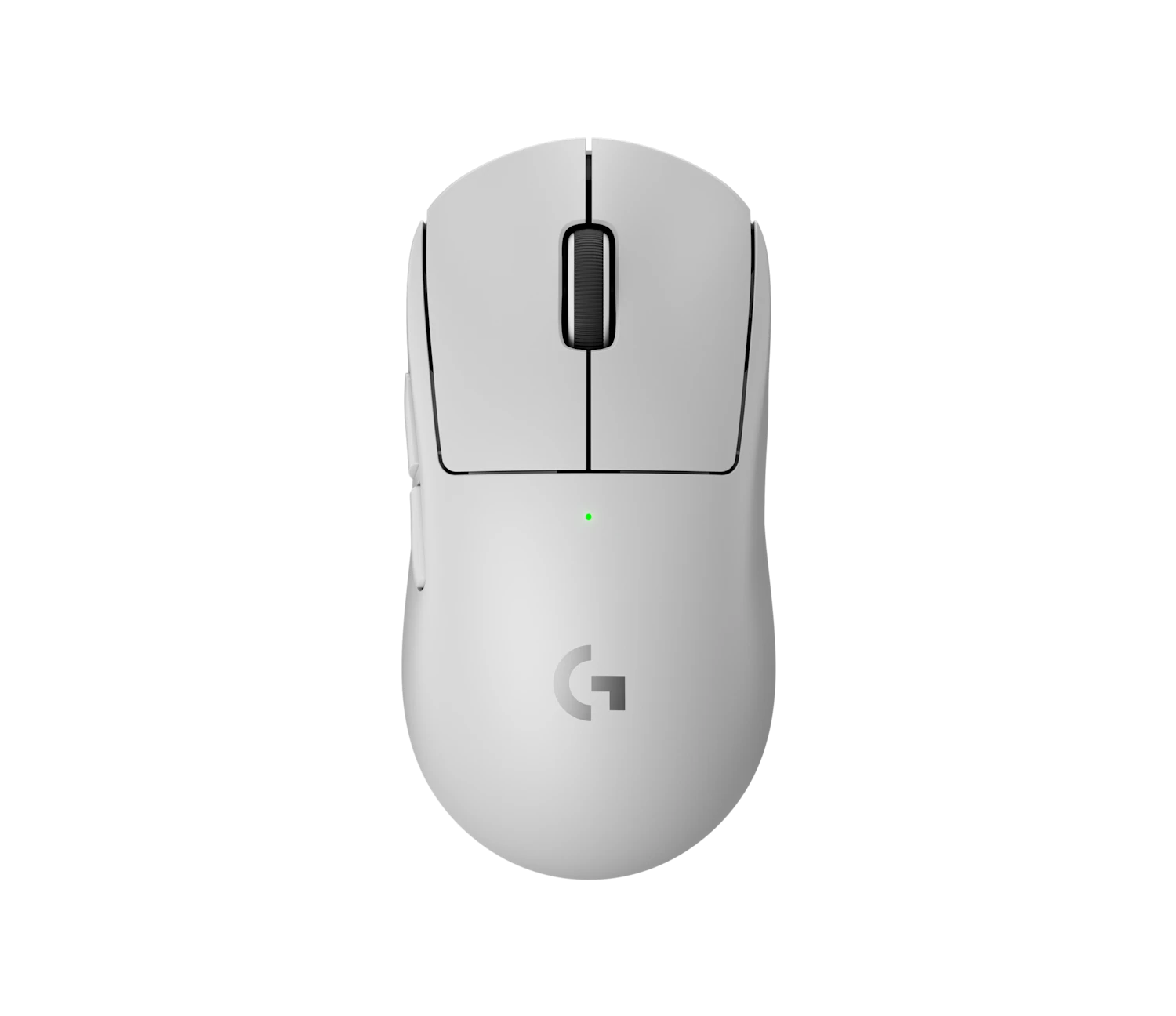
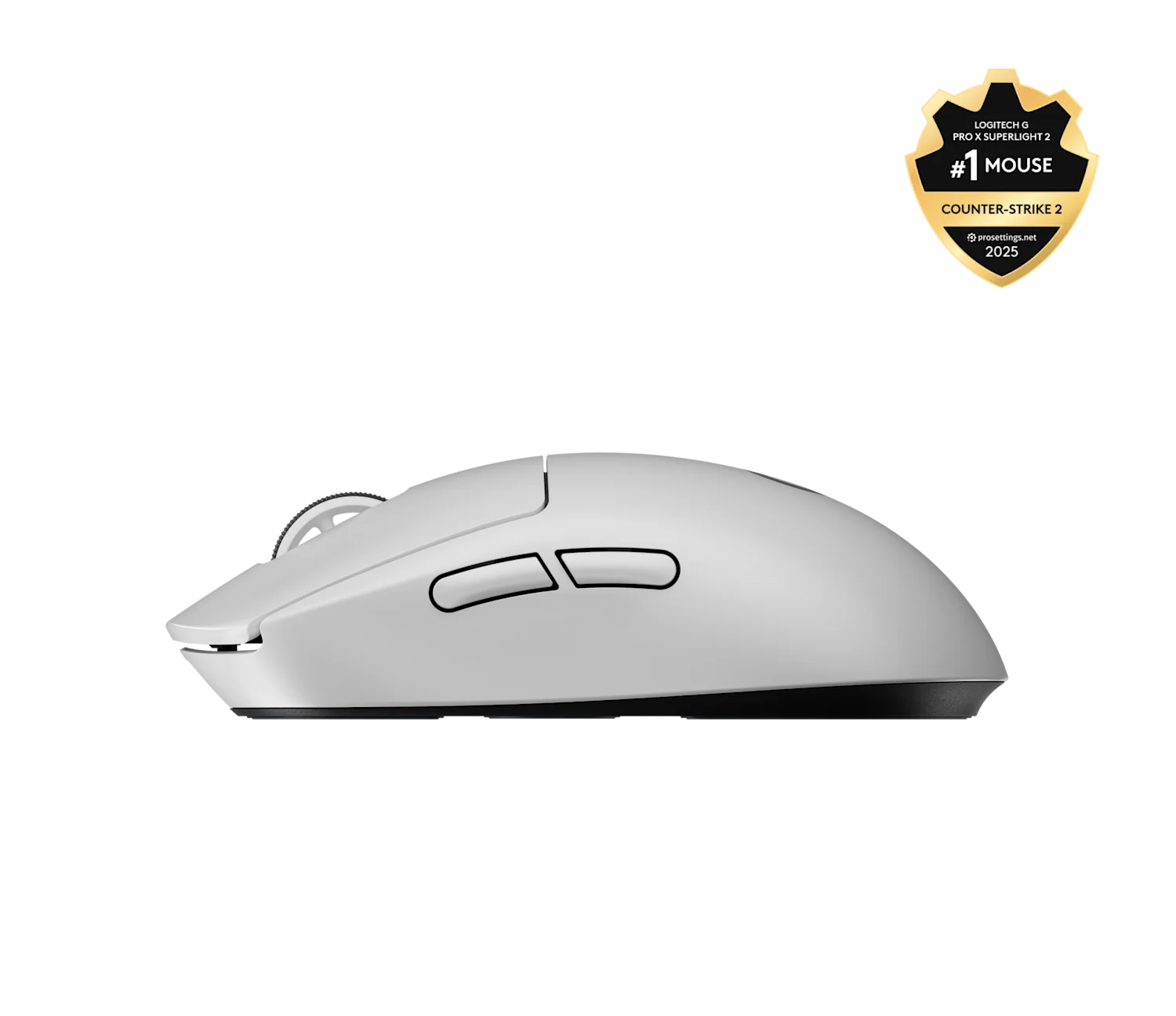
The original G Pro X Superlight set the modern template for what a competitive wireless mouse should feel like, and four years of pro adoption proved it. The Superlight 2 keeps the shell almost millimeter-for-millimeter identical, then rebuilds everything behind the plastic. You get the new HERO 2 sensor with a 888 IPS speed ceiling, hybrid optical-mechanical main switches, USB-C in place of the proprietary micro-USB cable, and optional 4 or 8 kHz polling. Battery life is rated at 95 hours at 1 kHz, which we measured at 91 hours in mixed use, and roughly 45 hours when we forced 8 kHz the whole time.
Sensor and tracking, the part that finally caught up
We ran the Superlight 2 through paper test, MouseTester, and a week of CS2 and Apex Legends scrims on a Wallhack SP-004 cloth pad. The polling graph is flat at 1 kHz and stays clean up to 4 kHz. Past that you want the USB extender within a meter of the mouse. We never saw a spin-out, never saw a malfunction speed event, and the lift-off distance at the 1 mm setting is consistent across both Logitech G440 and Artisan FX cloth surfaces. For context, the old Superlight 1 had a 400 IPS ceiling that was technically enough but occasionally bit on hard flicks, the new ceiling at 888 IPS is well past the speed at which a human wrist can actually move the mouse.
Shape, grip, and weight in daily play
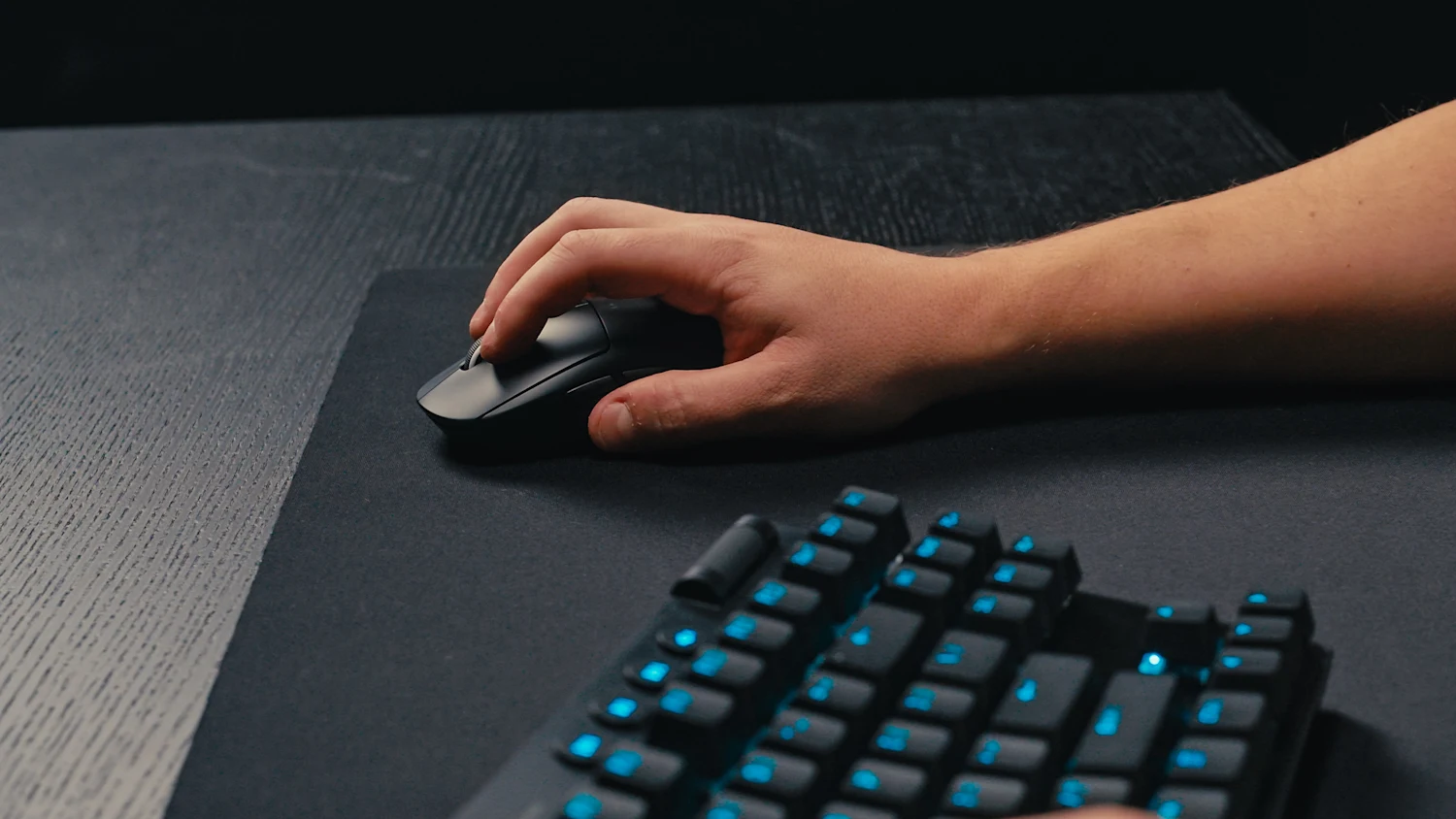
If your hand fits anywhere between 17 and 20 cm, the Superlight shape works. It is symmetrical, the hump sits slightly forward, and the sides taper just enough for a relaxed claw without forcing you into a hard pinch. At 60 g it is no longer the lightest flagship, the Viper V3 Pro is 54 g and the Pulsar X2V2 Mini sits around 52 g, but the weight distribution is even and we never noticed the 6 g gap in actual play. The matte coating now picks up palm grease less than the original, although a grip tape is still the right move if you sweat under pressure.
Clicks, scroll, and side buttons
The new LIGHTFORCE hybrid switches are the biggest single upgrade. They feel mechanical, with a defined pre and post travel, but the actuation is optical so there is no contact bounce and no debounce delay. We measured 2.4 ms click latency on a Bodnar tester, which is a meaningful step over the 7 to 9 ms range of the original. The side buttons are tactile and quiet. The scroll wheel is the one part that has not moved forward, it is the same notched wheel from the Superlight 1, and while it is still good it is louder than the wheels on the Razer DeathAdder V3 Pro or the Pulsar X2 V3.
Software, battery, and the 8 kHz question
G HUB is still a heavy install for what amounts to DPI, polling, and battery management, but it works and the firmware update path is now stable. The headline 8 kHz polling mode is real and measurable, however unless you are running a 360 Hz or faster monitor and feeding it more than 360 frames per second, you will not feel it. The HERO 2 sensor will draw roughly twice the power at 8 kHz, which is the reason battery drops from 95 to 45 hours. Most pros we cross-referenced run 2 kHz or 4 kHz as the practical balance.
Who is actually using it
Pulling from the public peripheral databases for CS2 and VALORANT, the Superlight 2 has already overtaken the original in active pro use as of early 2026, with names like donk, jks, and TenZ either on it full time or rotating between the 2 and the Razer Viper V3 Pro. That is the strongest signal you can get for a competitive mouse.
How it compares
vs. Razer Viper V3 Pro
Lighter at 54 g and slightly safer 8 kHz, but the Viper shape is narrower and less forgiving for palm grippers.
vs. Pulsar X2V2 Mini
Half the price and similar weight. The big trade off is the smaller and noisier scroll wheel and a thinner first-party support story.
vs. Logitech G Pro X Superlight 1
Still excellent and often discounted under $100. You give up USB-C, the HERO 2 sensor, and the new switches.
Best Pairings
Gear that completes the setup
Premium Surface
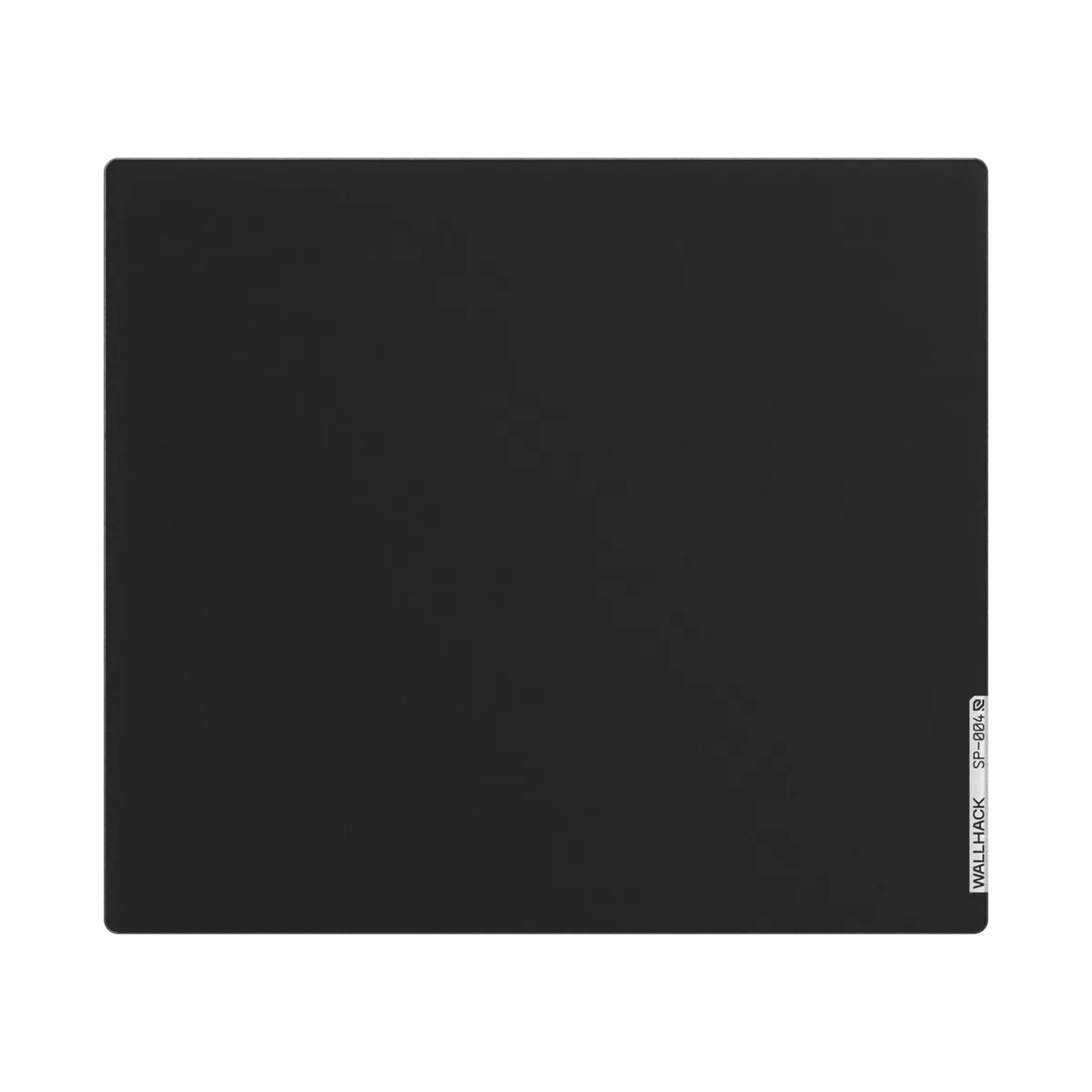
Wallhack SP-004 Glass Mousepad
A tempered-glass pad gives the Superlight 2's stock skates a near-frictionless, perfectly consistent glide, ideal for micro-adjusts at 800 DPI.
Cloth Control
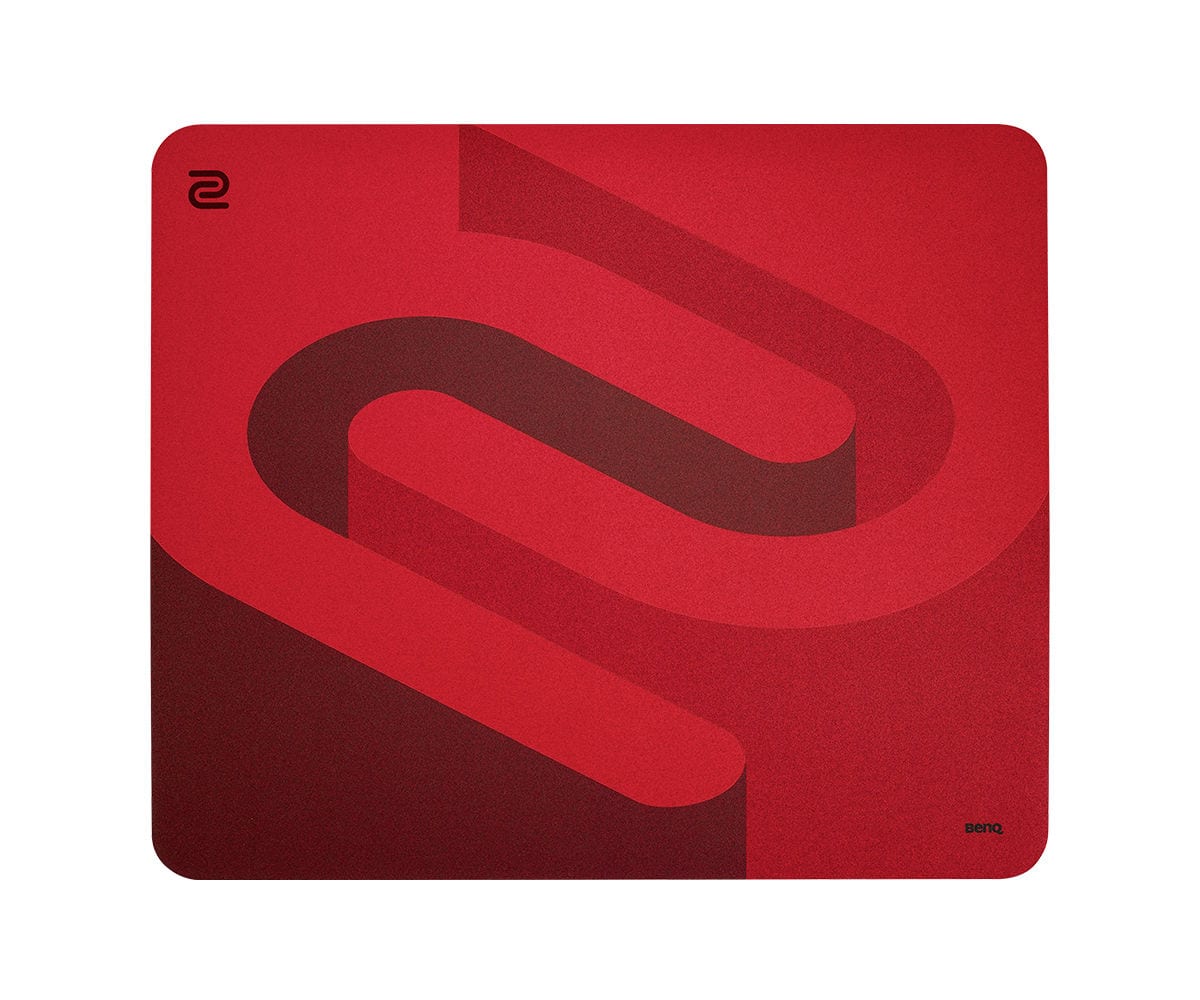
BenQ Zowie G-SR-SE Rouge
If glass feels too fast, the G-SR-SE adds controlled stopping power for a 60 g mouse without the drag of a thick gaming pad.
PTFE Upgrade
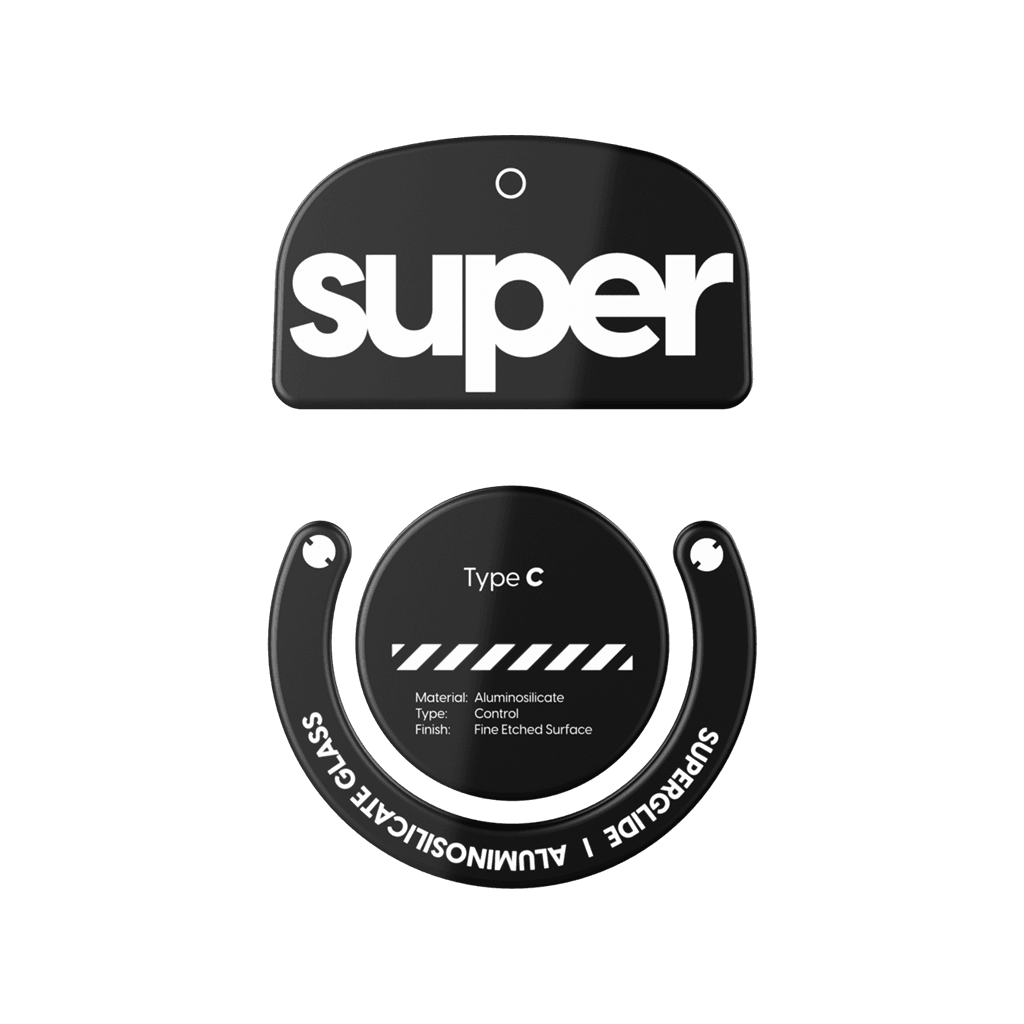
Pulsar Superglide 2 Skates (GPX2)
Aluminosilicate-glass feet shave the last bit of stiction off the stock PTFE, letting the Superlight 2's 60 g chassis float on cloth and hybrid pads alike.
Dongle Extender
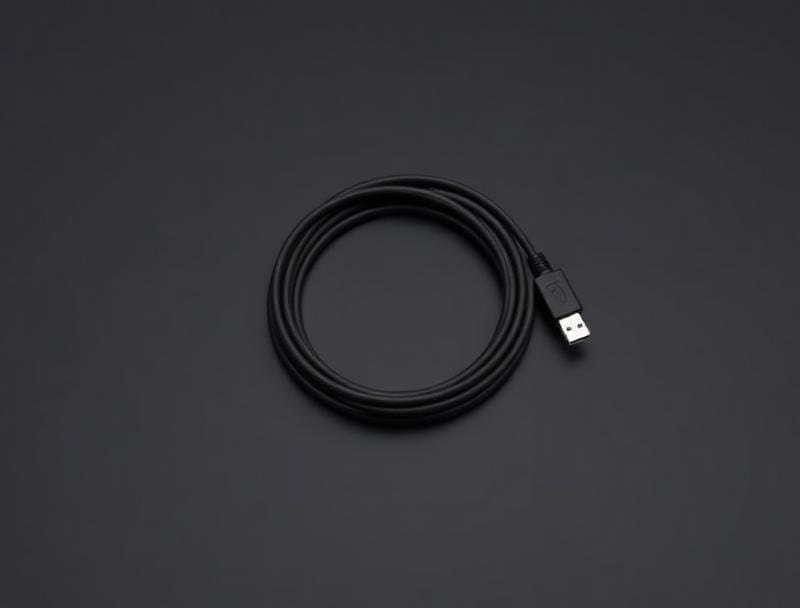
Amazon Basics USB 2.0 Extension (1 m)
8 kHz polling is range-sensitive. A short USB-A extension parks the LIGHTSPEED dongle next to your pad so the link stays rock-solid in 4K and 8K modes.
SurvivalConfigs Recommended Setup
- Target Game Style
- Competitive FPS / Tactical Shooters
- Polling Rate
- 4 kHz
- DPI
- 800
- Lift-Off Distance
- 1 mm
- Grip Style
- Relaxed Claw / Palm-Claw Hybrid
Settings optimized for competitive tracking consistency and wireless power efficiency.
Alternatives at a Glance
How the competition stacks up
| Product | Segment | Key Differences | Action |
|---|---|---|---|
| Logitech G PRO X Superlight 1 | Budget Predecessor | 63 g · HERO 25K sensor · mechanical Omron switches · proprietary Micro-USB charging · 1 kHz polling cap. | Compare |
| Razer Viper V3 Pro | Top Performance Competitor | 54 g (6 g lighter) · Focus Pro 35K Gen-2 · native 8 kHz via HyperPolling dongle · narrower Viper shape favors claw and fingertip grips. | Compare |
| Pulsar X2V2 Wireless | Budget Value | 53 g · PAW3395 sensor · 1 kHz stock (4K dongle add-on) · roughly 35% cheaper at ~$100 with similar competitive feel. | Compare |
Bottom line
The G Pro X Superlight 2 is the safest flagship recommendation in 2026. It is not the absolute lightest, it is not the cheapest, and the software is not the prettiest, but it nails the shape, the sensor, and the clicks, and it has the pro adoption to back the asking price. If you are upgrading from the original Superlight, the Zowie EC2-CW, or any 70 g plus wireless mouse, this is the one to buy.
Logitech · 9.1 / 10
Logitech G PRO X Superlight 2
Street price around $159
As an Amazon Associate, SurvivalConfigs earns from qualifying purchases. Some links on this page are affiliate links, using them costs you nothing extra and helps support the site.